
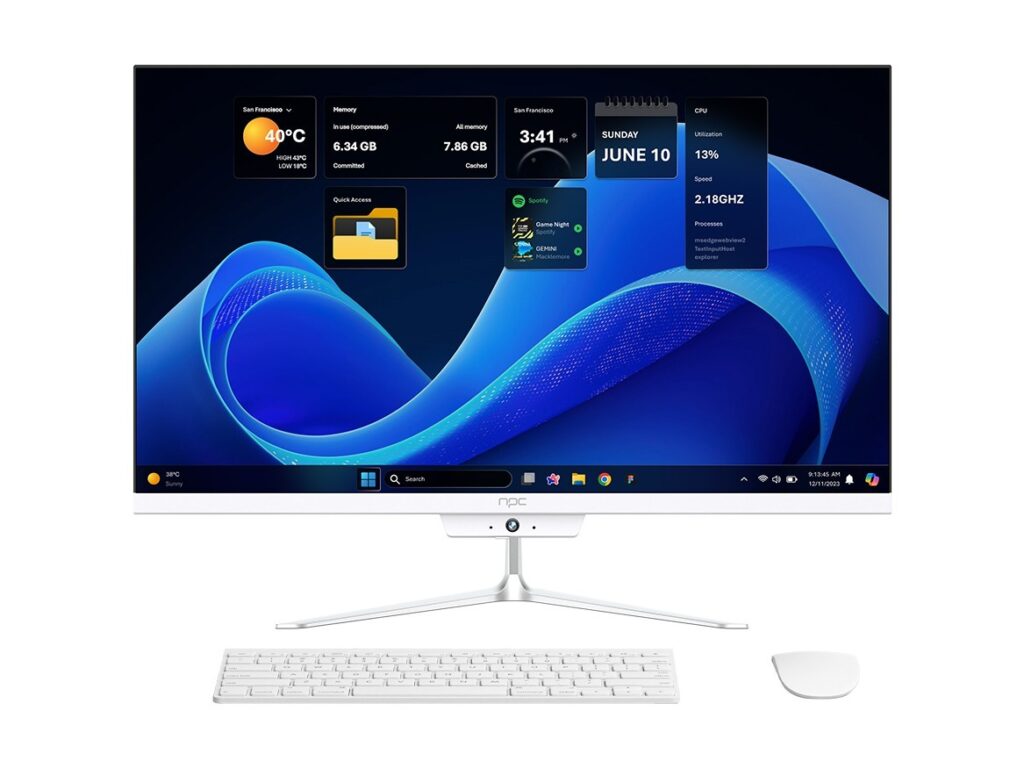
The problem: cheap screens, bigger headaches
I see it clear as day: you buy a bargain display and it quits when you need it most. That slow, fuzzy screen costs hours and customers. Folks who run stores, barns, or roadside stands need displays that last and play nice with systems. If you want a reliable setup, look past glossy ads and talk to a solid monitor manufacturer. I’ve been buying, installing, and fixing displays for small businesses and county offices for over a decade, so I know where the shoe pinches. The supply cluster around Shenzhen still drives the parts and price points for many suppliers—seeing that market move tells you which makers keep stock and which ones vanish. For a practical starting point on who to consider, check a curated list of best monitor manufacturers that match service and reliability, not just sticker price.
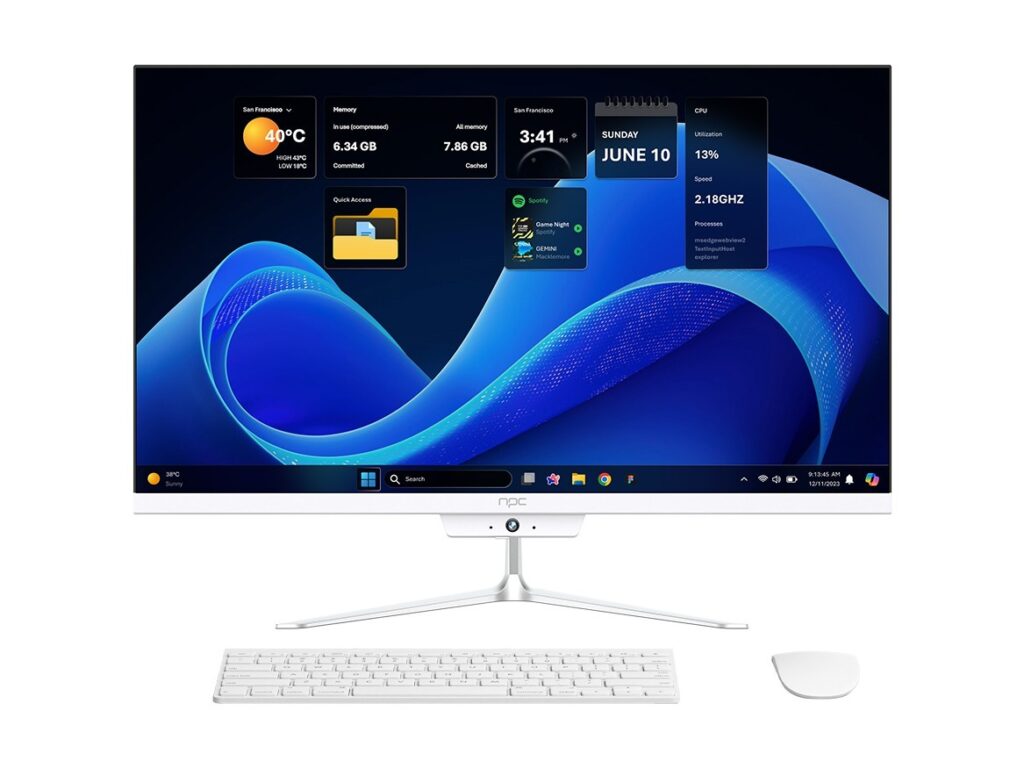
What’s causing the growing pains
Here’s the plain truth: failures come from four things — bad parts, weak support, mismatched specs, and poor logistics. Cheap panels skip temperature testing. Sellers skip firmware updates. You end up with displays that dim in heat or won’t talk to your point-of-sale, camera, or controller. That slows growth, since every minute spent troubleshooting costs the business twice: time and trust.
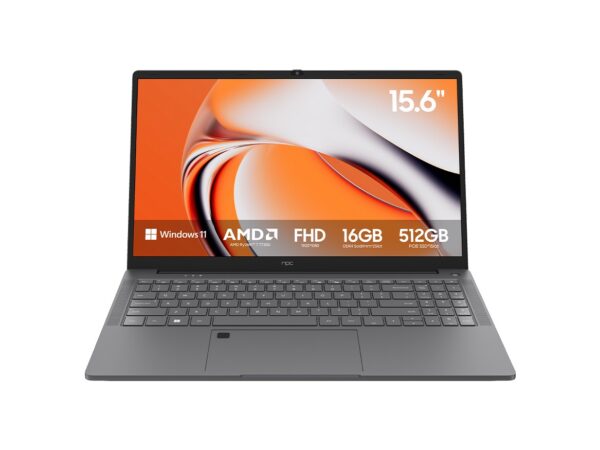
What to look for when you pick a maker
Choose a maker who proves they can deliver for the scale you need. Look for consistent stock levels, clear spare-part policies, long-term firmware support, and local or regional service options. Ask for test units and clear thermal and lifetime specs. Get SLAs in writing about lead times and repair windows. Simple checks: metal chassis, replaceable power supplies, and documented firmware release notes. Those things tell you a manufacturer thinks like a partner, not a pop-up seller.
Practical steps to shore up your setup
Buy a sample and run it through the worst you expect — sun, dust, heat, and long hours. Keep spare parts on hand for key models. Define a firmware-update routine and keep a log. Standardize on one vendor family where you can; that cuts training and spare-part chaos. If you need multiple sizes, pick the same platform line so connectors and software match. Small moves like these stop tiny problems from turning into big losses.
Alternatives and their trade-offs
Big-brand monitors often bring polished panels and wide availability. Smaller, specialized makers give better customization and tighter support. Contract manufacturers (ODM) can be cheap but sometimes hide long lead times. Your choice should match your tolerance for downtime. If you need rugged screens for outdoor use, pay for proper IP ratings and tempered glass. If you need a clean in-shop look, prioritize thin bezels and consistent color across units.
Common mistakes that’ll cost you later
Don’t chase the lowest price. Don’t skip testing under real conditions. Don’t assume firmware stays current. Don’t buy a model without spares or documented replacement parts. And don’t ignore power and thermal specs; a display that can’t handle a hot shop will be back at the vendor before harvest.
Putting it all together
Small businesses scale when equipment keeps pace without surprise failures. Pick manufacturers who back their gear with parts, updates, and plain talk. That steady reliability cuts downtime and keeps customers happy. For a supplier that fits that steady style and practical support, consider the solutions offered by npc, since they match the straightforward, service-first approach that helps a business grow without fuss.